GUIDE · AI CHATBOT & KNOWLEDGE SEARCH
AI CHATBOT: MAKE BETTER USE OF YOUR KNOWLEDGE.
A customer needs information about your service; a colleague needs the right instructions. The answer often already exists, but not where they are looking. An AI chatbot can make approved content easier to use, handle follow-up questions and point to relevant documents. It can reduce routine enquiries while your team stays available for matters that need personal attention.
Author: Michael Labitzke, Technical Director, Cyntro Systems · Updated:
AT A GLANCE
- Help customers with common questions about services and processes.
- Make approved business knowledge easier to find.
- Add relevant sources and useful links to answers.
- Offer personal contact for individual needs.
- Start with maintained content, clear permissions and checked answers.
INITIAL ANSWERS OUTSIDE OFFICE HOURS.
Which documents are needed for an appointment? How does an order work? Customers often ask these questions before getting in touch personally. A chatbot can offer information from your approved content even when the office is closed. Visitors can find the next step more easily, and your team has fewer identical enquiries to answer individually. For personal advice or a question the available material cannot answer, a clear route to the right person should remain easy to find.
FIND KNOWLEDGE WITHOUT SEARCHING FOLDERS.
Instructions are on a shared drive, a policy is in a handbook and an important addition is in another document. Staff may not know where to start. Internal knowledge search through chat lets them ask in their own words. The system finds relevant passages and uses them as the basis for an answer. Source links help people read the original. Permissions need to be applied when searching, so people only retrieve material they are allowed to see. Public customer help and internal business knowledge need appropriately separated access.
HELP ENQUIRIES MOVE FORWARD.
Some visitors do not yet know your services well or are unsure whom to contact. A chatbot can ask useful follow-up questions, point to a service page or offer contact with the right team. A link can take them to appointment booking where needed. This creates an opportunity for better-prepared conversations. Which details are necessary and what is passed to whom are agreed beforehand. Helpful chat should make contact easier without holding people up with unnecessary questions.
GOOD ANSWERS NEED GOOD CONTENT.
The language model alone does not create the value. Clear service descriptions, current instructions and explicitly approved information are the foundation. Outdated versions and conflicting details need attention. Before launch, typical questions are used to check whether the search finds relevant passages and whether the answers reflect them. Testing also needs questions the content cannot answer. The chatbot should explain that limit or offer contact. Instructions and tests help, but they do not rule out incorrect answers.
WHAT CHANGES IN DAILY WORK WITH AN AI CHATBOT
Searching or asking someone today
Asking a question
Find the right page, file or person.
Basis for an answer
Gather information from different documents.
Recurring questions
Your team repeats the same answers individually.
Reading the original
Find the relevant passage in the document yourself.
Personal help
Look up the right way to get in touch.
With an AI chatbot
Asking a question
Describe the question in your own words in chat.
Basis for an answer
Search relevant content approved for the person’s access.
Recurring questions
Common questions can be answered from maintained content.
Reading the original
Source links can lead directly to the relevant material.
Personal help
Offer a suitable contact or booking route when needed.
WHAT PEOPLE OFTEN ASK US ABOUT THIS
What does RAG mean?
RAG stands for Retrieval-Augmented Generation. An application searches approved content for relevant passages and gives them to the language model alongside the question. The AI then formulates an answer. This kind of knowledge search does not require retraining the model on your documents. It supports answers grounded in your content but does not guarantee accuracy.
Are the answers always correct?
No. A chatbot can misunderstand a question, miss an important passage or summarise information inaccurately. A source link is not proof that an answer is correct. Typical questions, missing information and conflicting documents therefore need testing. Binding statements and consequential decisions need a defined review or approval process.
What happens to our data?
Questions and retrieved passages may be sent to the chosen model provider. Before launch, we agree which content is accessible, who may retrieve it, where data are processed and stored, and what use the provider’s terms allow. Retention and possible use for model training also need clarifying. One blanket assurance does not cover every configuration.
Can the chatbot book appointments or pass on data?
It can offer a suitable booking or contact route. Creating an appointment in a calendar or an entry in a customer system requires a separately configured integration. The data to pass on, the trigger for an action and the confirmation of its result are agreed beforehand. A written reply alone is not an executed booking.
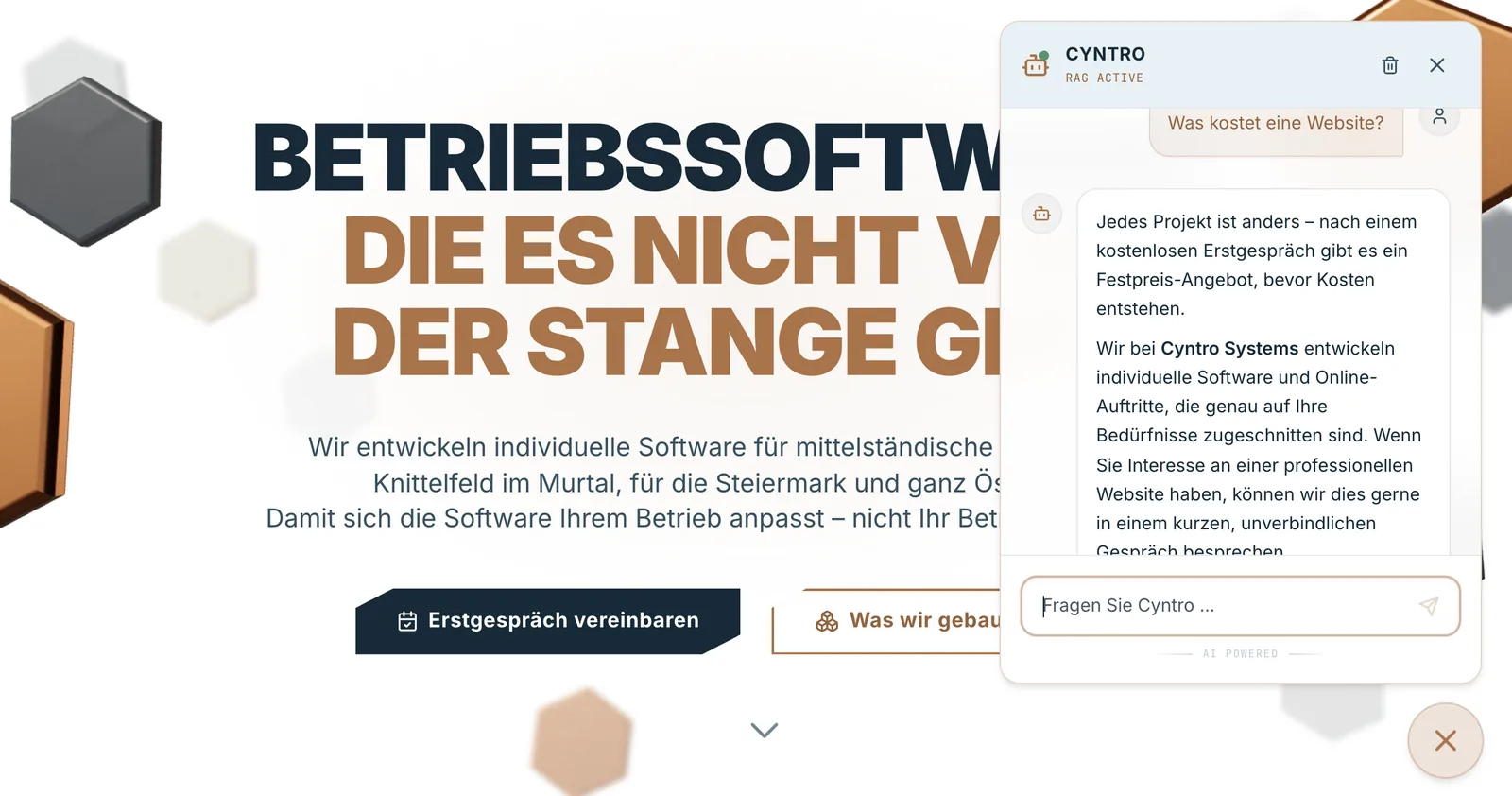
What does an AI chatbot cost?
The work depends on the tasks, content preparation, permissions and integrations needed. Depending on the solution, ongoing costs include model usage, search, hosting and support. After a free initial consultation, you receive a fixed-price proposal for the agreed implementation. Ongoing costs are shown separately.

WHICH QUESTIONS DOES YOUR TEAM ANSWER REPEATEDLY?
Bring a few typical questions and your existing documents to a free initial consultation. Together, we look at where a chatbot could help customers or colleagues and where personal support is still needed.