GUIDE · INTEGRATIONS
INTEGRATIONS: YOUR PROGRAMS, SHARED INFORMATION.
The order is in your customer system, the invoice in your accounts and the appointment in your calendar. For the workflow to hold together, those programs need to exchange information. Integrations provide that connection. Your team spends less time transferring data and finds the details it needs in the software it already uses.
Author: Michael Labitzke, Technical Director, Cyntro Systems · Updated:
AT A GLANCE
- Reuse information from one program in others.
- Keep familiar software where suitable connections are possible.
- Make information available when the next step needs it.
- Agree which program is the source for each type of data.
- See whether a transfer succeeded or something is missing.
THE SAME INFORMATION FOR EVERYONE.
A delivery address has changed in the customer system, but the order list still has the old one. Stock has been corrected, yet the online shop shows no change. These differences lead to questions and can cause errors. A suitable integration passes selected changes to the programs that need them. This starts with agreeing where each piece of information is maintained and which systems receive it. Staff do not have to work out which version to trust for every order.
GET MORE FROM FAMILIAR SOFTWARE.
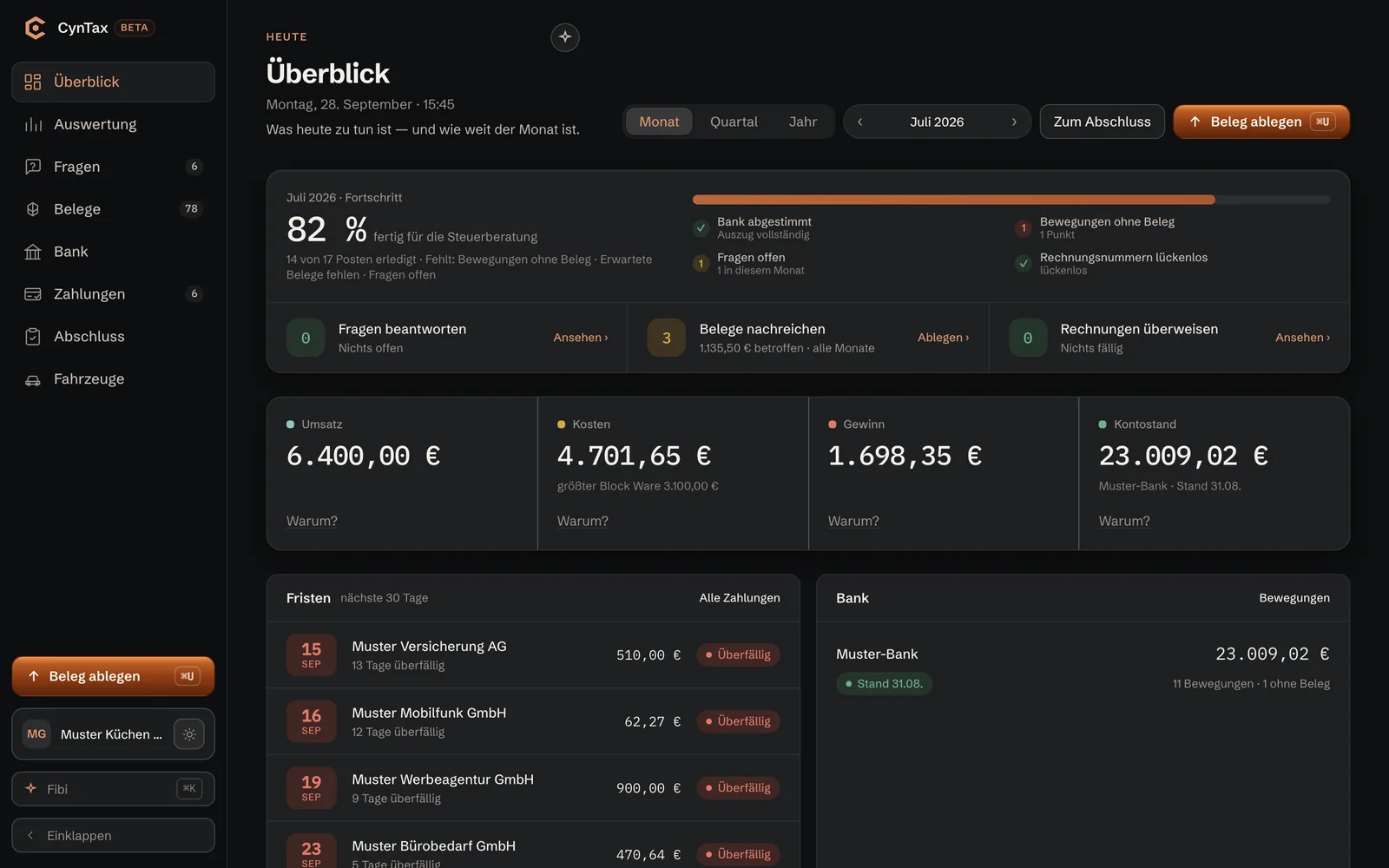
Your accounting software does its job, your team knows the customer system and your online shop is set up. Yet a lot of copying still happens between them. Connecting the programs can be more useful than switching software again. An order could be passed to order processing, for example, or an approved invoice to accounting. Staff keep working in a familiar environment. We check the available exchange functions to see whether this is possible with your software. What matters is which data are needed and what the programs can do with them.
CURRENT DATA WHEN YOU NEED THEM.
Not every piece of information needs transferring immediately. A scheduled file exchange may be enough for monthly accounts. Stock figures used to make sales decisions need updating often enough for your team to rely on them. The workflow determines the right timing. Some programs exchange files; others can communicate directly. Depending on the software, either approach can be automated. What matters is when the information arrives, whether it is complete and whether the connection makes daily work easier.
KNOW WHERE EACH RECORD CAME FROM.
A connection is useful when you can trust its results. Which records were transferred? When was the last update? Why is an order missing? These questions should be answerable without searching several programs. Transfers need a traceable record, with errors reported to the person responsible. Before retrying, the connection checks what has already arrived. This helps avoid duplicate entries. The integration also needs checking when one of the connected programs changes.
WHICH INTEGRATION FITS YOUR WORKFLOW?
File exchange
How data are transferred
One program provides a file; the other imports it.
Updates
At agreed times or when needed.
Requirements
Compatible import and export formats.
Well suited to
Periodic accounts, lists and reports.
Ongoing operation
Files and import results need checking.
Can it be automated?
Yes, if export and import can be automated.
Direct integration
How data are transferred
The programs exchange data through the available interface.
Updates
At short intervals or following an event, where supported.
Requirements
An available interface with suitable functions and access rights.
Well suited to
Orders, stock levels and appointment updates.
Ongoing operation
Transfers are monitored and provider changes accounted for.
Can it be automated?
Yes, within the capabilities of the connected programs.
WHAT PEOPLE OFTEN ASK US ABOUT THIS
Can our software be connected at all?
That depends on what the program supports. We check its interfaces and import or export functions, which data they provide and whether the provider permits the access required. If there is no suitable way to exchange data, we explain that limit. A connection should not depend on someone regularly correcting data by hand.
Which data are exchanged?
The data needed for the agreed workflow, such as customer numbers, delivery addresses or order items. We agree which program maintains each piece of information and whether the connection only reads data or also creates and changes entries. Handling duplicate or conflicting information is part of that plan.
Who gets access to our programs?
An integration only needs the permissions required for its workflow. Reading data, for example, does not require permission to change records. Accounts, authorisations and technical keys are agreed with you before launch. It needs to be clear who manages them and how access can be revoked when support changes hands.
What happens during an outage or a software change?
If a transfer stops, it must remain clear which data arrived and which are still missing. We agree who handles the alert and how the transfer resumes. A new program or a provider update requires checking whether the formats and functions still fit together. An integration therefore also needs someone responsible for its ongoing operation.
What does an integration cost?
The work depends on the programs, data formats, transfer directions and checks involved. Provider fees and ongoing support may also matter. In a free initial consultation, we discuss the workflow you want. After checking technical feasibility, you receive a fixed-price proposal for the agreed scope.

WHERE ARE YOU STILL COPYING DATA BY HAND?
Tell us which programs you use and where a connection is missing in a free initial consultation. Together, we look at how your data could reach the right place without your team having to transfer them again and again.